What happens if my domain expires?
When a domain expires, your website and email usually stop working within a short time. Most registrars then offer a grace period when you can still renew, followed by a redemption period that often costs more. After that, the domain can be released and registered by anyone. If your domain has expired, act quickly and contact your registrar or us straight away.
- Check the renewal email address on the registrar account is one you still read
- Turn on auto-renew and keep a valid payment card on the account
- Renew for several years if you can, to reduce the risk of a missed renewal
- Make sure the domain is registered to your business, not a designer or ex-employee
Grace and redemption periods differ between registrars and domain endings such as .co.uk and .com, so we check your specific domain rather than guess.
How do I get my domain back from an old web designer?
Start by asking them, in writing, to transfer the domain into an account in your business name. Many designers registered domains for clients for convenience and are happy to hand them over. If they will not respond or refuse, the registrar and, for .uk domains, Nominet have processes to help registrants prove their rights. We help you through each step.
- Find where it is held. We look up the registrar from public records.
- Gather evidence. Invoices, emails and business records showing the domain is yours.
- Request the transfer. Either an authorisation code (for most domains) or a change of IPS tag (for
.ukdomains). - Move it to your own account. Then secure it with two-factor login and a transfer lock.
Tip: Copy your DNS records before any transfer. If they are lost during the move, your website and email can stop working.
What are DNS records and which ones matter?
DNS records are the instructions that tell the internet where your website and email live. Your nameservers say which company manages those records. An A record points your domain at your web server, a CNAME points one name at another, MX records say where email is delivered, and TXT records hold settings such as email security. Getting one wrong can take a site or inbox offline.
# Example DNS records for example.co.uk (fictional values)
example.co.uk.        A      203.0.113.25
www.example.co.uk.    CNAME  example.co.uk.
example.co.uk.        MX 10  mail.example.co.uk.
example.co.uk.        TXT    "v=spf1 include:_spf.example-mail.co.uk -all"
_dmarc.example.co.uk. TXT    "v=DMARC1; p=quarantine; rua=mailto:dmarc@example.co.uk"
example.co.uk.        A      198.51.100.7   # old server, still listed
A leftover record pointing at an old server is a common reason a site "flips" between old and new versions, or appears on some devices but not others.
Before we change anything, we take a full copy of your existing records, so we can put them back if needed. We then correct the records, check whether the domain should use the www or non-www version, make sure both lead to the same place, and confirm the change from several locations rather than only from your own computer, which may still remember the old settings.
Why did my email stop working after a website change?
Email usually stops after a website or hosting change because the domain's nameservers or MX records were changed, and the email records were not copied across. Mail is then delivered to the wrong place, or nowhere. Emails landing in spam are a related problem, normally caused by missing or incorrect SPF, DKIM and DMARC records.
| Record | What it does in plain English |
|---|---|
| MX | Tells other mail servers where to deliver your email |
| SPF | Lists the services allowed to send email as your domain |
| DKIM | Adds a digital signature so messages can be checked as genuine |
| DMARC | Tells receivers what to do with email that fails those checks |
The UK's National Cyber Security Centre publishes guidance recommending these email security records. If your website contact form is affected too, see website repair.
What if someone changed my domain or DNS without permission?
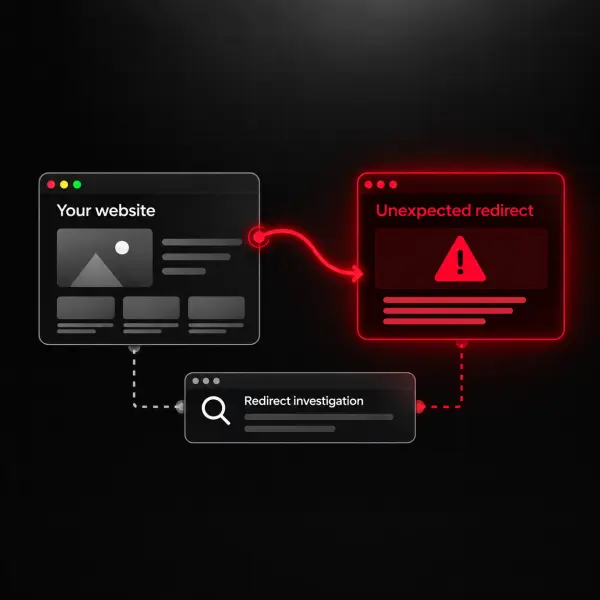
Treat unexpected changes to your nameservers or DNS records as a security incident. Someone may have access to your registrar or DNS account and could redirect your website or intercept your email. Secure the account first: change the password, turn on two-factor login and check the contact details. Then restore the correct records and check your website for signs of compromise.
We help you lock the account down, restore the right settings and, if your website was tampered with too, clean it through our hacked website repair service. We confirm a fixed price before any work starts.